SwingAlerts
SwingAlerts guide
What a SwingAlerts alert is made of
Eight things every alert says about itself.
The pair you are watching
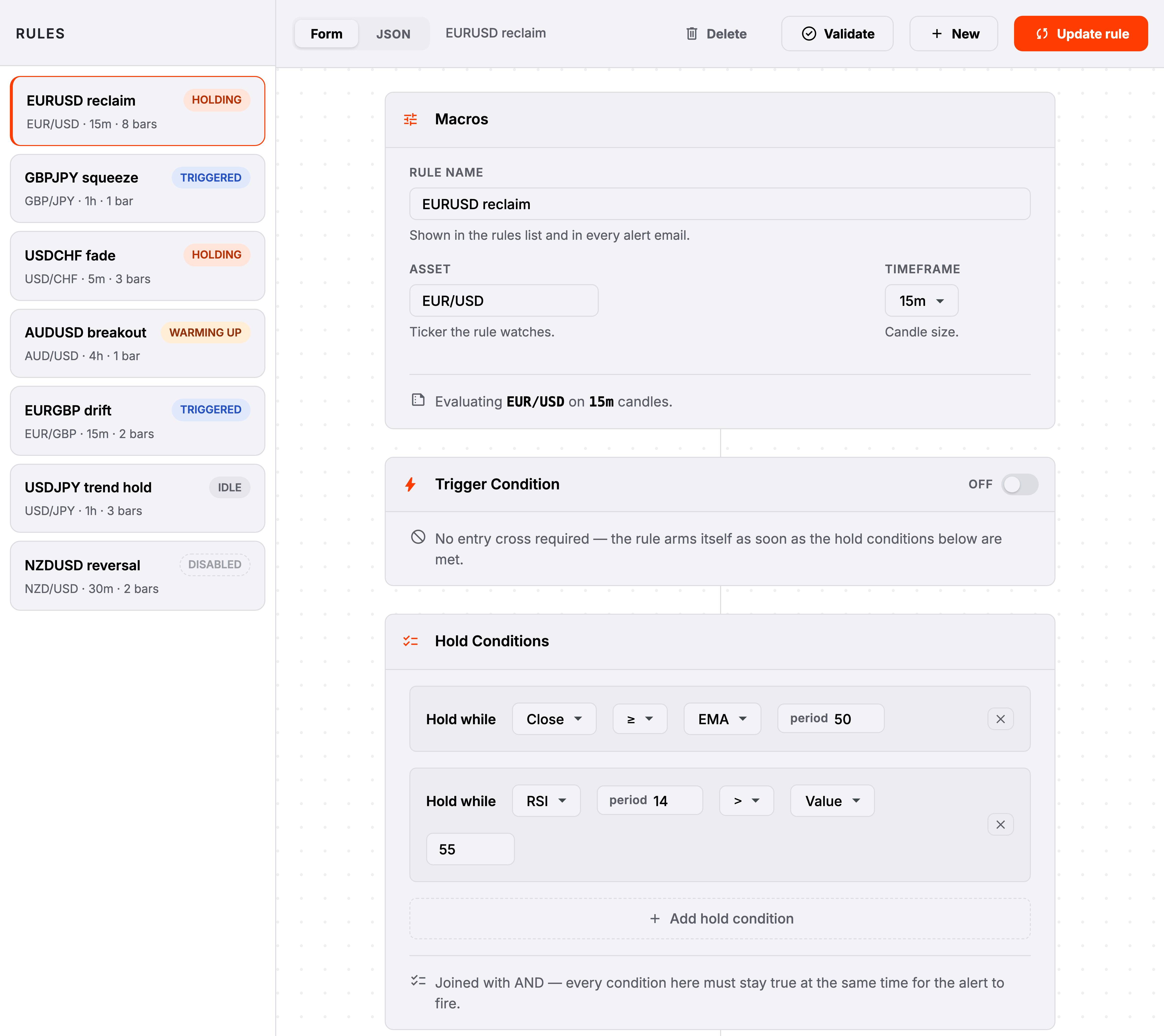
AssetOne alert watches one pair.
Every forex pair is available — majors, minors and crosses — and nothing is held back on any of them. To watch the same setup on three pairs, make three alerts; you then get three alerts you can tell apart, rather than one that will not say which pair moved.
“Which market should this watch?”
The candle size
TimeframeHow much time each candle covers, from one minute to one day.
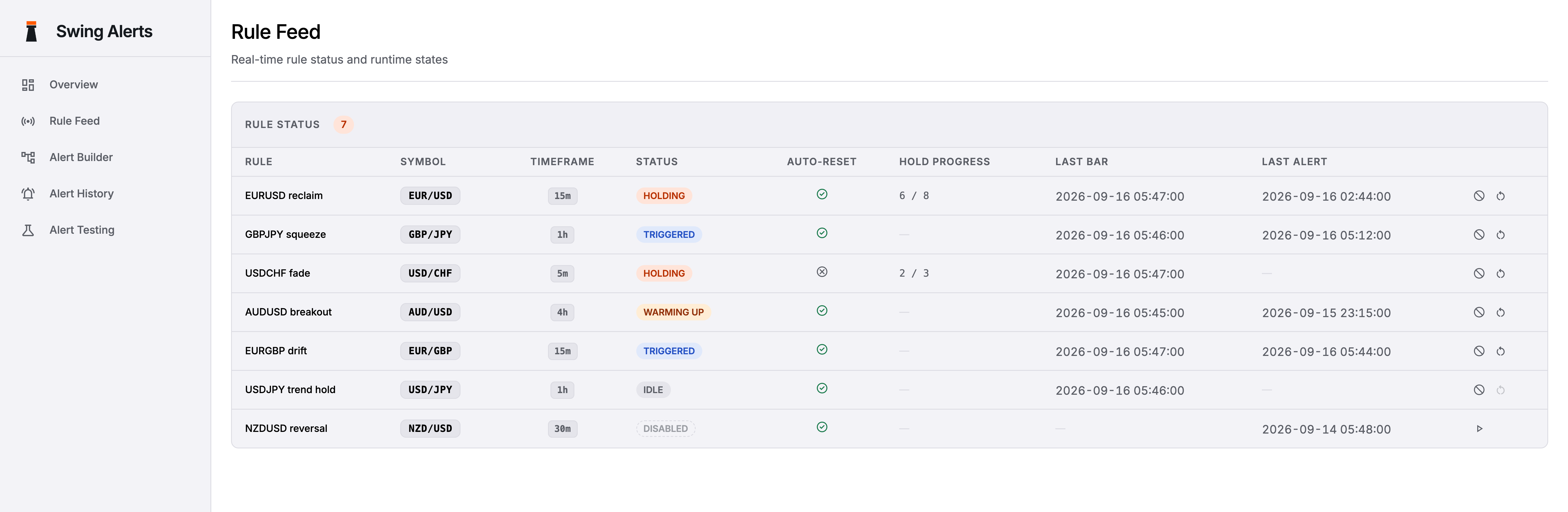
Your alert is checked once at the close of each candle, never in the middle of one. So the candle size is also the smallest amount of time the alert can measure: on 15-minute candles, "for two hours" means "for eight candles in a row".
“How closely should this watch?”
The moment that starts it
Trigger whenAn optional crossing that has to happen before anything else counts.
Leave this off and your alert simply watches for its conditions to be true. Turn it on and nothing counts until the crossing happens first — which is the difference between "price is above the average" and "price just came back above the average".
“Do I care that it happened, or only that it is true?”
What has to stay true
Hold whileOne or more comparisons that must all be true on the same candle.
Add as many lines as you like; every one of them has to be true at once. There is no "or" — if you want either of two setups, make two alerts, and you will know which one fired from the name on the message.
“What does the setup actually look like?”
How long it has to hold
ForThe waiting period before the alert is allowed to fire.
This is the part that makes an alert worth having. Set it to zero and you are told the moment the condition is true — which on a choppy chart is a lot of messages. Set it to two hours and you are only told about the ones that meant it.
“How do I stop being pinged by noise?”
Good to know
Whether it can fire again
Re-arm after firingLeave it on and the alert resets itself. Turn it off and it fires once, ever.
With re-arming on, the alert goes quiet once the setup breaks and starts watching again from scratch. With it off, the alert is finished the moment it fires: it stops being checked at all, and its "last checked" time deliberately stops moving too, because nothing is being checked. You can wake it up by hand whenever you want.
“Is this a standing watch, or a one-off?”
Where it reaches you
Delivery channelsWhich channels this particular alert uses, and how often at most.
Your account settings sit above this as a ceiling. If you have switched a channel off for your account, an alert asking for it will not reopen it — and if your account asks for at least an hour between messages, an alert asking for ten minutes still waits the hour. An individual alert can always ask for less than your settings allow, never more. Telegram reaches you only once you have linked your Telegram chat in Settings: press Link Telegram, then Open Telegram, and tap Start in the chat with the SwingAlerts bot. The link works once, for ten minutes.
“How do I keep one busy alert from flooding me?”
Good to know
On or off
Active / DisabledSwitched off, an alert keeps everything except its place in the queue.
Turning an alert off forgets how far through its waiting period it had got, so turning it back on starts a fresh count rather than resuming a half-finished one. That is deliberate: a hold you stopped watching is not a hold you can vouch for. Only alerts that are on count towards your plan limit, so switching off is a free way to keep an alert around without paying for it.
“Can I park an alert without deleting it?”